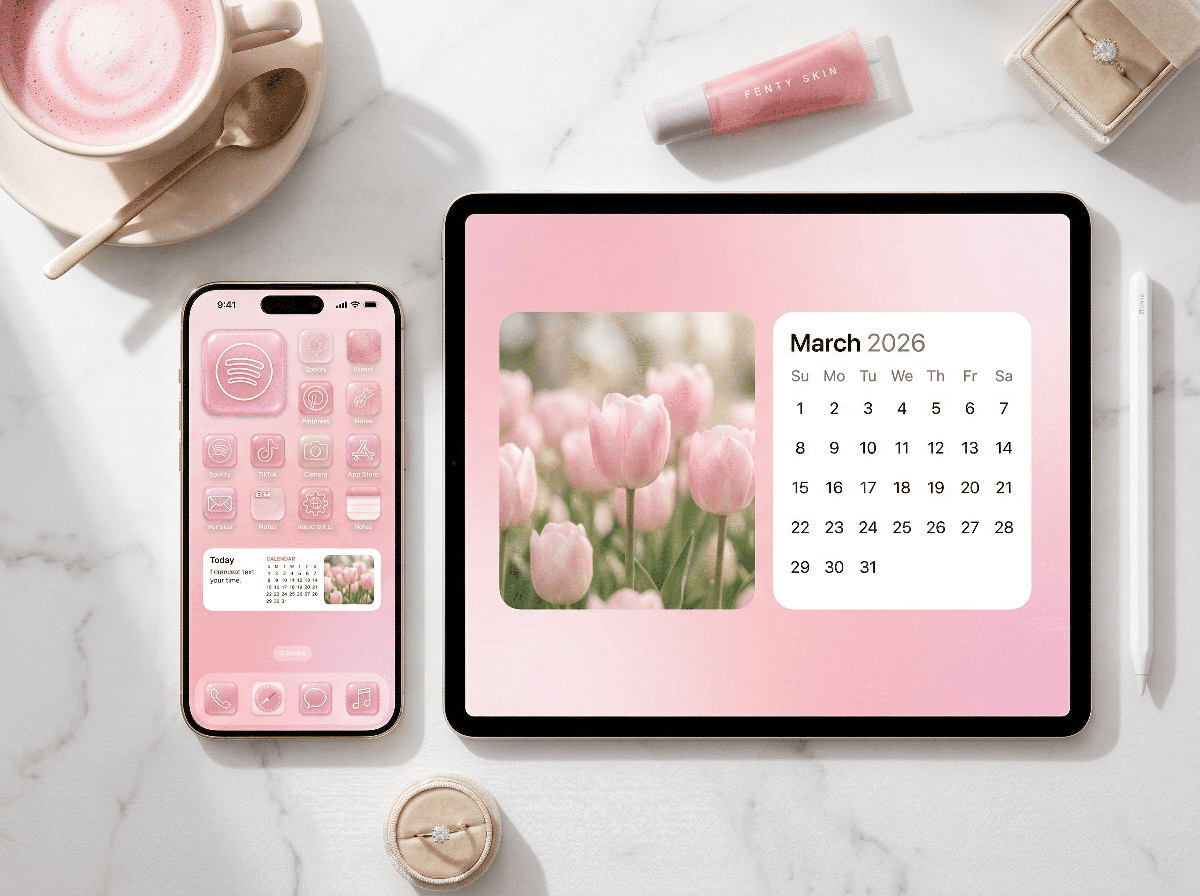
Our phones are the main character in our lives nowadays, let’s be honest. We live on our phones. Checking emails, replying to messages, doom scrolling, online shopping and somehow still ending up on Pinterest at 10pm. If my home screen feels messy, I feel it.
If i look at my phone and it looks a mess, then I’m a mess. It’s just more mental noise we don’t need. The one space we look at over 100 times a day get’s ignored and neglected.
Well, I say no more!
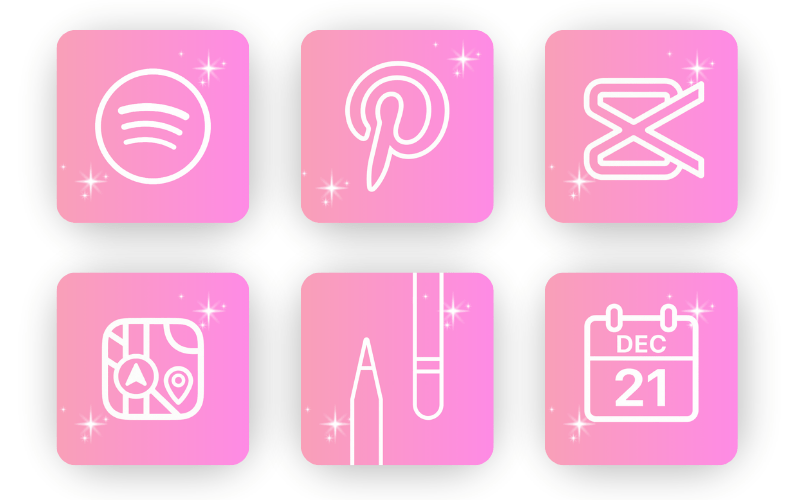
Which is why I created these cute FREE aesthetic app icons.
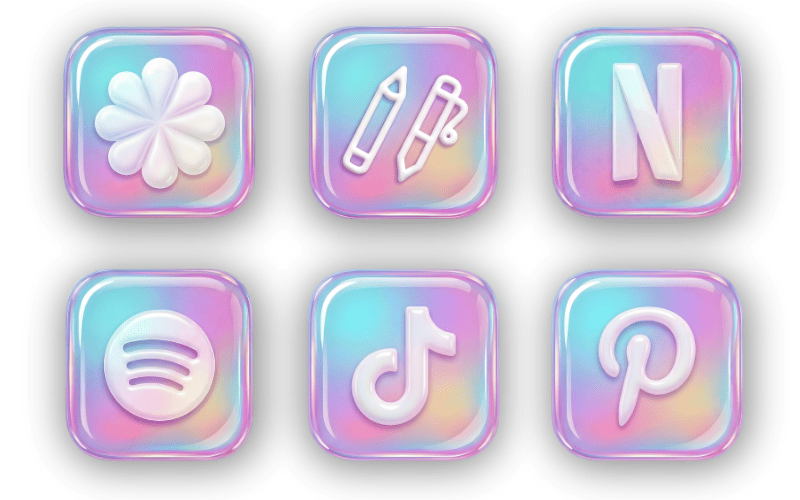
The Cotton Candy Jelly collection and the Pink Sparkles collection are soft, cohesive and intentionally designed. Think gentle gradients, glossy jelly finishes and sparkly pink minimal vibes. Cute, but clean. Playful, but not chaotic.
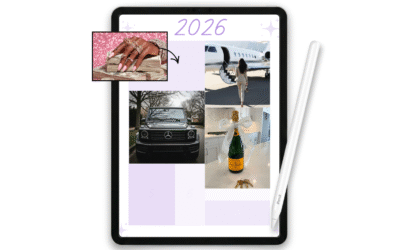
They work beautifully with 2026 widget setups too. Whether you’re using stacked widgets, photo widgets or a minimal lock screen layout, everything feels cohesive instead of chaotic.
You’ve got all your everyday apps covered. The ones you actually use. And the jelly gloss effect gives them just enough dimension to feel elevated without looking busy.
It’s giving aesthetic. But organised.
How to Install the App Icons
To get the icons installed for each of your iphone/iPad apps you’re going to need to have 10-15 mins spare. It will take a short while to set up but once it’s done, you’re set.
- Firstly save all of the individual PNG’s to your phone/iPad. Make sure they are saved to your Photos.
- Open the shortcuts app
- Go to the plus icon and create a new shortcut.
- For the shortcut function, tap “Open App.”
- Click on “App” and choose the app you want
- Click on “Open App” at the top then ‘Add to Home Screen
- Switch from symbol to “Image” and select “Choose Photo” and choose the correct app icon
- Then on the app name (default is Open App), rename to whatever the app is (for example Messages or Capcut)
- The click the blue “App” icon in the top right corner. Done!
The new icon will usually save to the last home screen that has space. If it ends up on the final page, don’t stress. Once you’ve added all your shortcuts, you can move them together.
Press and hold one of the new icons. While still holding it, tap the others so they stack together. Then slide them across to your main screen and drop them where you want.
That’s it.
The first one might take you a couple of minutes while you figure it out. After that, you’re just repeating the same steps. You can refresh your entire home screen in under 15 minutes and it completely changes the vibe.
What Colours and Icons Are Included?
I made sure to include the apps we actually use in real life. Not just the aesthetic ones, the everyday ones too.
Here’s the full list included in this free bundle, in alphabetical order:
Amazon, App Store, Apple Calendar (two versions), Apple TV, Audible, Calculator, Camera, Canva, CapCut, Chrome, Clock, Collanote, Contacts, FaceTime, Files, Goodnotes, Google, Google Calendar, Google Drive, Google Maps, Health, Instagram, Mail, Maps, Messages, Music, Netflix, Notability, Noteful, Notes, Notion, Phone, Photos, Pinterest, Procreate, Reminders, Safari, Settings, Shortcuts, Snapchat, Spotify, TikTok, Uber, Wallet, Weather, WhatsApp, YouTube.
Basically, your entire daily life is covered.
If there’s an app you open every day, chances are it’s in here.
If we’re romanticising our mornings, our planners and our routines in 2026, our home screens deserve the same energy.
I am building a softer, more intentional lifestyle this year and that includes my digital space. When my screen looks cohesive and calm, I feel more put together. It sounds small, but it genuinely shifts the way I show up.
Download the free aesthetic app icons, give your home screen a refresh tonight and tag me so I can see your setup. I love seeing how you style yours.
Download the Cotton Candy Jelly Collection
Download the Pink Sparkles Collection